Why Veo 3 Is Different From Every AI Video Tool I've Used Before
I’ve been using AI video generation tools since the early days when you could coax a model into producing a three-second clip of a dog walking — if you were patient and lucky. The outputs back then were impressive in the way that a child’s first drawing is impressive: you understood what it was trying to be, and the effort was obvious, even if the result was rough.
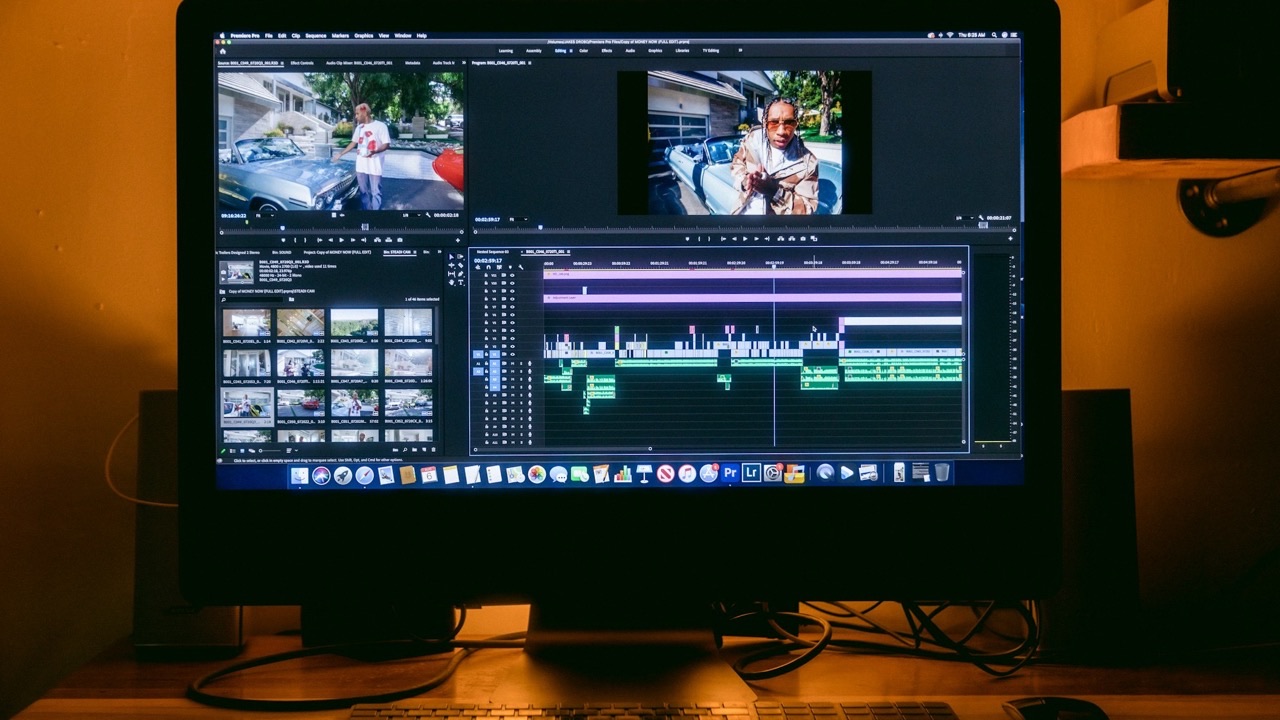
A lot has changed. But for most of that time, the fundamental experience of using these tools stayed the same: you put in a text prompt, you got back a video file with no audio, you spent the next hour sourcing music, recording a voiceover, adding sound effects in a separate editor, and hoping everything lined up.
What I didn’t expect was that the thing which would finally make AI video feel genuinely different — not just incrementally better — would be something as basic as sound.
Why “No Audio” Was Always the Hidden Problem
Most people who write about AI video tools focus on the visual side: motion consistency, photorealism, prompt adherence, resolution. Those things matter. But the absence of native audio was always a deeper problem than it appeared, because it wasn’t just inconvenient — it changed the entire nature of what you could produce.
Think about what a video without audio actually is. It’s a sequence of images. You can add music on top and it might feel like something. But the moment a character’s mouth moves without sound, or a car door slams in complete silence, or waves crash without any noise, something breaks. Not just technically — perceptually. The brain immediately registers the mismatch, and the result feels artificial in a way that has nothing to do with image quality.
This is why even technically impressive AI video outputs often felt unsatisfying. The images were getting better. The motion was getting smoother. But the silence was doing a kind of damage that no amount of visual improvement could fully compensate for.
The workaround — add a voiceover in post, layer in a music track, drop in stock sound effects — works to a point. But it requires a separate workflow, separate tools, separate decisions, and a kind of editing attention that assumes you’re building a finished production rather than generating content. For creators operating at volume, or for anyone who just wants to test an idea quickly, that overhead was a real barrier.
What Native Audio Generation Actually Changes
Veo 3 generates audio and video together from the same text prompt, in a single pass. That description sounds simple. What it means in practice is more significant than it sounds.
When the audio and video are generated from the same model, with the same understanding of the scene, they’re coherent in a way that manually assembled audio never quite is. The footsteps land when the foot lands. The crowd noise responds to whether you’re watching a wide shot or a close-up. When a character speaks, the ambient audio in the room changes the way it would in a real recording — closer mics sound closer, outdoor scenes have the kind of acoustic openness that comes from not being in a room at all.
This is a different thing from “we added a text-to-speech layer.” It’s the model understanding the scene as a unified audiovisual experience and generating both tracks as a single output.
The practical implications are significant:
Dialogue works. Not perfectly, and not in every configuration — multi-speaker scenes are still harder than single-speaker ones, and accuracy varies — but the model can generate characters saying specific things, with the lip movement and audio reasonably aligned, from a text prompt that includes the dialogue in quotation marks. That’s a capability that simply didn’t exist in the same workflow six months ago.
Ambient sound is scene-aware. A forest scene generates bird sounds, wind through trees, the kind of ambient layering that a sound designer would build deliberately. A city street generates traffic, distant voices, the specific density of urban noise. These aren’t generic audio beds — they respond to what’s actually in the prompt.
The feedback loop is faster. Because you’re not doing post-production audio work, the time from prompt to reviewable output is much shorter. You can generate something, evaluate whether it’s the right direction, adjust the prompt, and generate again — without audio sync being a variable you have to account for separately.
How the Visual Improvements Work Alongside Audio
Native audio is the headline change, but it arrived alongside visual improvements that compound the effect.
The resolution jump to 1080p and 4K means the output is actually usable in contexts where quality matters — not just social media thumbnails or low-resolution previews, but production-quality content. 4K at 60fps is a specification that would have sounded like science fiction applied to AI video generation two years ago.
Prompt adherence has also improved in ways that matter for real workflows. Earlier models would interpret prompts loosely — you’d ask for a slow push-in on a character’s face and get a static wide shot, or specify dramatic side lighting and get flat even illumination. Veo 3 treats camera direction as a real instruction: “slow dolly push,” “handheld tracking shot,” “overhead drone pull-back” all produce outputs that match the description with enough consistency to plan around.
The image-to-video capability adds another layer. You can start from a reference image — a character, a product, a location — and prompt the model to animate it. This is the feature that most directly addresses the consistency problem that has plagued AI video from the beginning: if you’re producing multiple clips that are supposed to share a visual language, starting from the same reference image gives you a thread of continuity that prompt-matching alone doesn’t reliably provide.
Why This Represents a Category Shift, Not Just a Quality Upgrade
The useful distinction here is between improvements that make a tool better at what it was already doing, and improvements that change what the tool can be used for.
Better resolution is a quality upgrade. Native audio that’s coherent with the visual is a category shift.
The difference is that native audio makes AI video generation capable of producing something that can stand on its own — not a draft, not a reference, not a visual that needs to be completed with other tools, but a finished artifact that includes everything a video is supposed to include. That changes the economics of what’s worth producing, the workflows that make sense to build around it, and the range of people for whom AI video is actually useful.
Content creators who couldn’t justify the time investment of post-production audio now have a path to publishable output that doesn’t require it. Businesses that need video at scale — ad variants, product demonstrations, localized content — can generate drafts that include audio for review without a production pipeline. Developers who want to build video generation into their applications have an API that returns a complete audiovisual file, not a silent clip that needs to be completed downstream.
None of this means Veo 3 is perfect. Dialogue accuracy in multi-speaker scenes is still inconsistent. Very specific audio requests — a particular musical style at a particular tempo, for instance — don’t always land exactly. Long-form generation, anything beyond 8 to 12 seconds, isn’t what this model is for. There are real limits, and knowing them matters as much as knowing the capabilities.
Why Access to Models Like This Matters
One thing I’ve noticed in this period of rapid development is that the gap between knowing a model exists and being able to actually use it in a workflow is significant. Veo 3.1 is accessible through Google’s own interfaces, through the Gemini API, through Vertex AI — but each of those access points comes with its own setup, pricing structure, and integration overhead.
The more practical path for many creators and developers is a platform that aggregates access to models like Veo 3 alongside others, so you can choose the right tool for each task without rebuilding your workflow every time a new model drops. That’s the model that the best AI platforms are moving toward: not asking you to commit to a single model, but giving you access to the frontier of what’s available so your choice is always the current best option for the task at hand.
For anyone who wants to use Veo 3.1 without managing the API directly, the Miral AI Veo 3 model page gives you direct access within a platform that’s built around exactly that kind of multi-model flexibility — which, given how fast this space is moving, is probably the right infrastructure to be building on.
The technology is genuinely different now. The question is whether your workflow is set up to take advantage of what that difference actually enables.